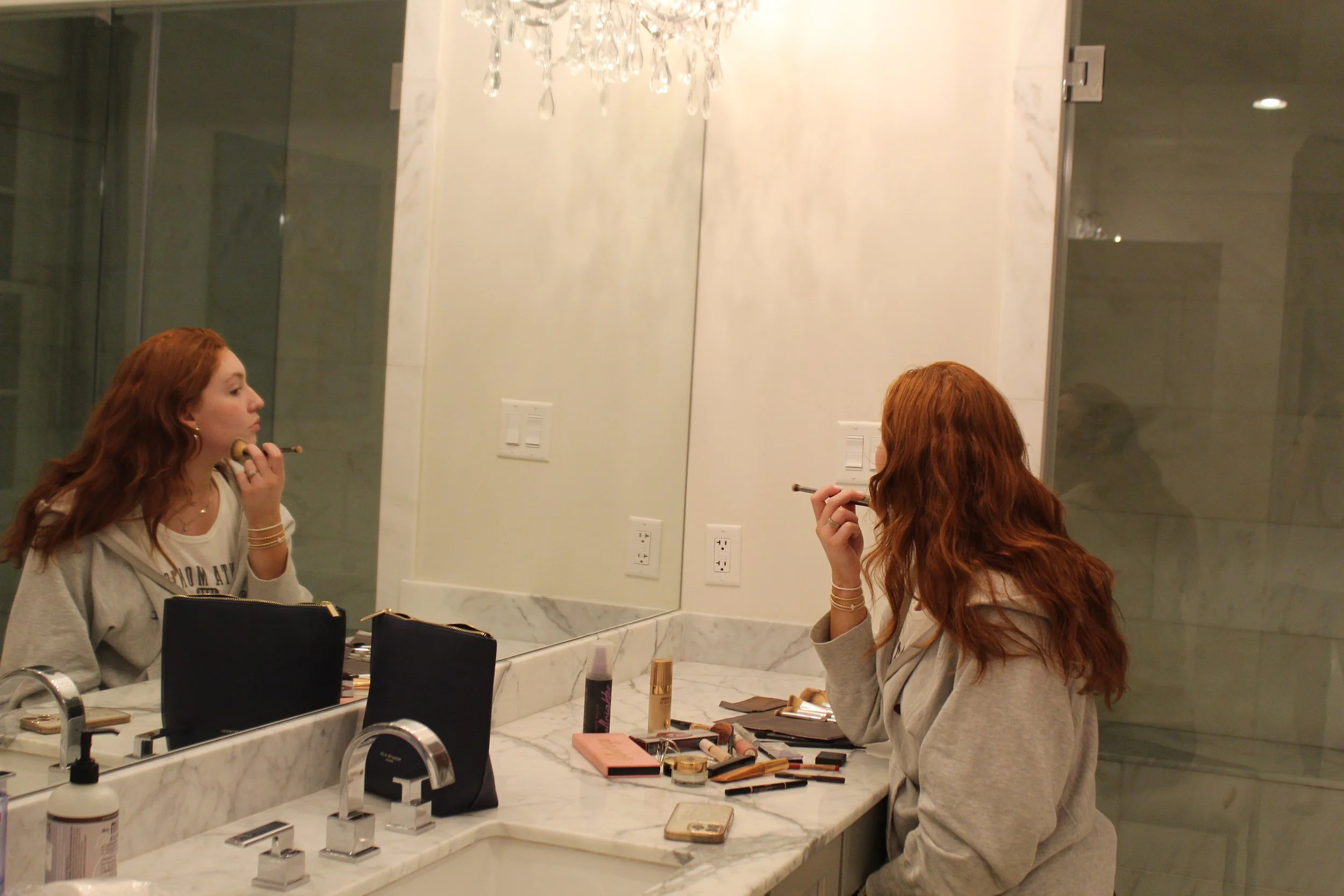
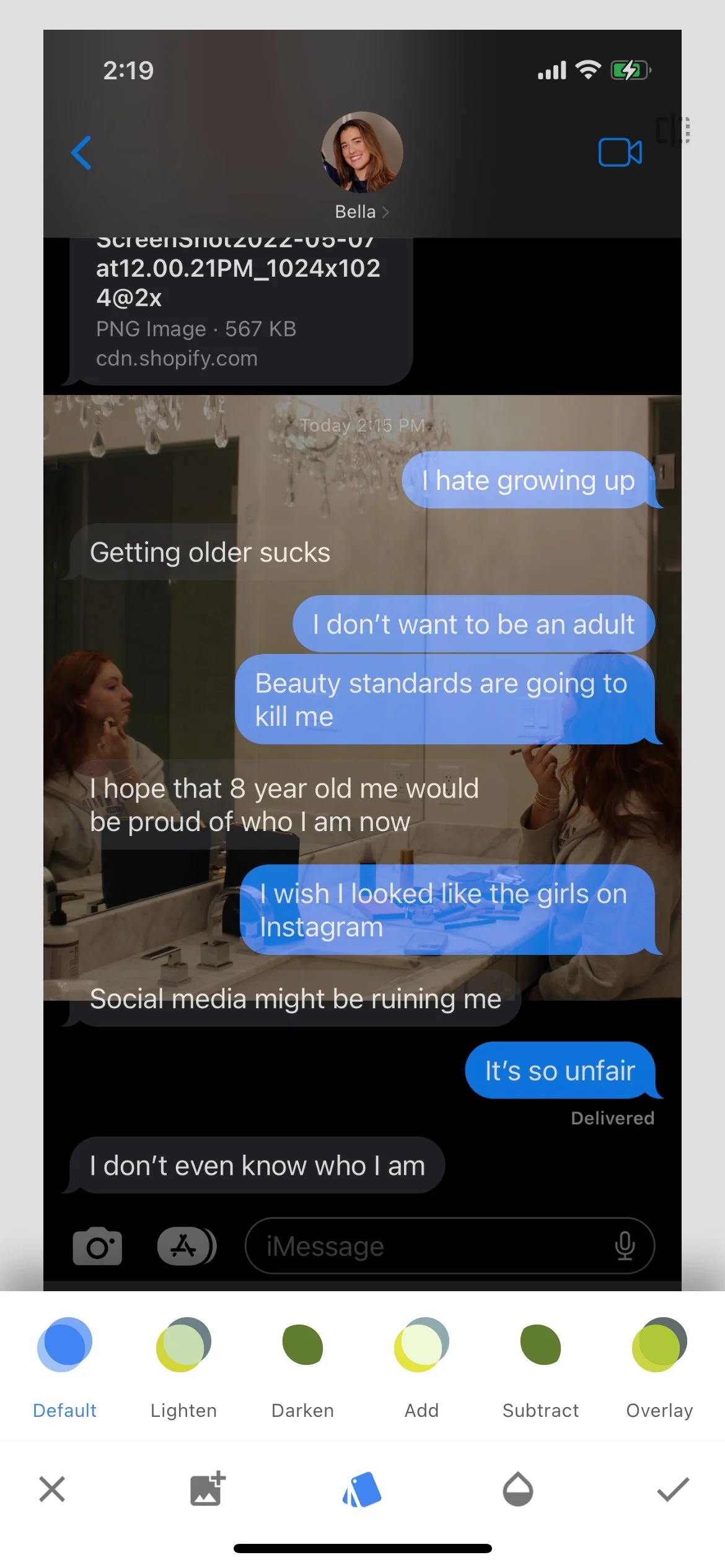
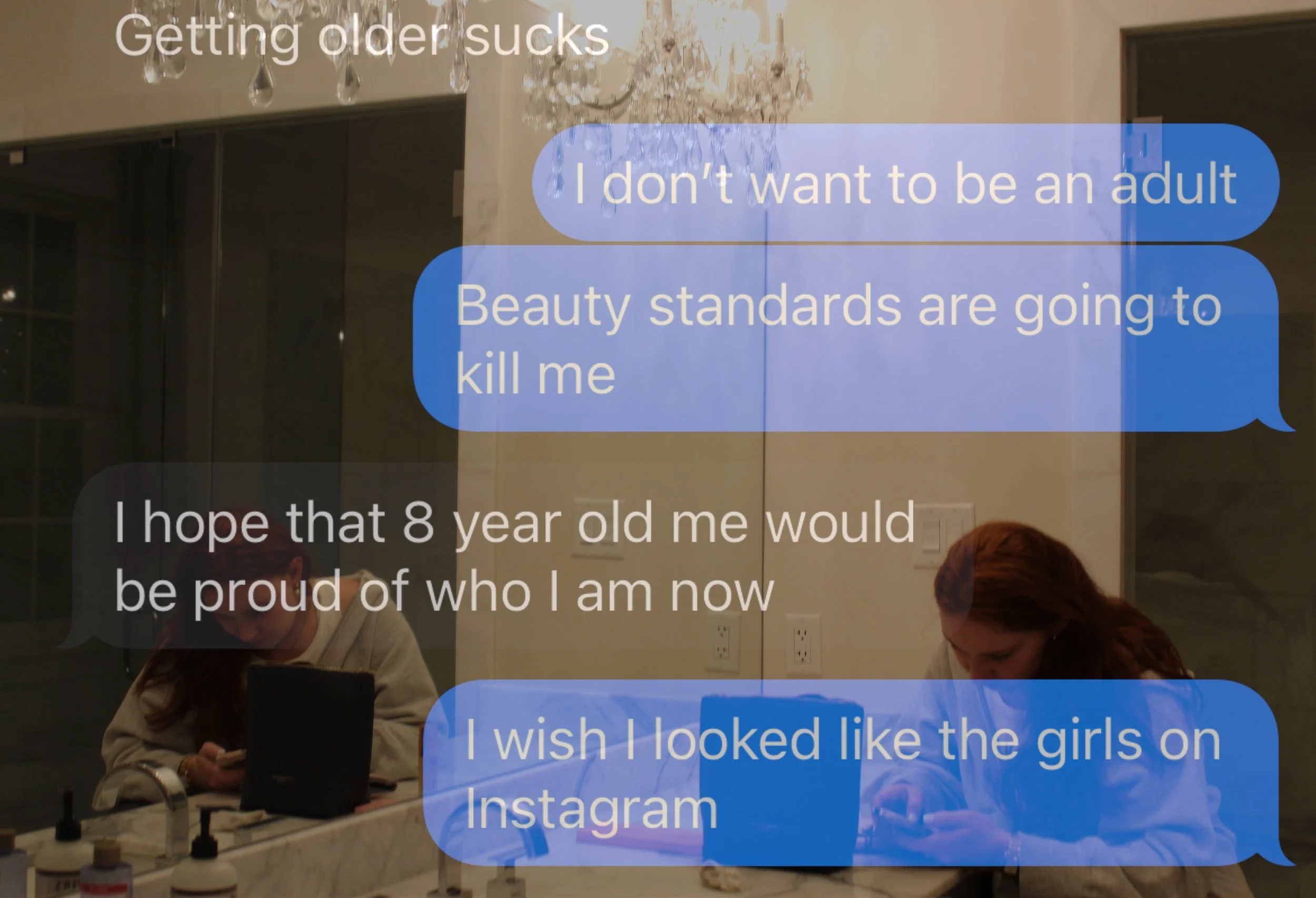
Blair Academy Photography
By Bella Armbruster ‘23
Materials:
Phone
Snapseed App
Two or more images
Process:
Download the Snapseed app on your phone, iPad, or other device
Open a photo
Select the “Tools” button
Scroll and select “Double Exposure”
Select another image to double expose over the original image
Edit as you please
Save your changes and export!